Marked today, taught tomorrow.
QuizLM marks the answers you already collected — on paper or on screen — and shows what the class needs next. Each suggested next step shows the response data behind it.
No credit card. No student accounts. A quiz built from material you already have.
Weakest skill
40%
Equivalent fractions — this is what the class needs reteached
Next step: Visual model reteach · 10 min
One quiz, from lesson to decision.
Three steps, one class, the same numbers all the way through.
Start from what you already teach.
Upload slides, a PDF or last year's notes. QuizLM drafts questions with skill tags, and every question stays editable until you publish it.
Let the class answer its own way.
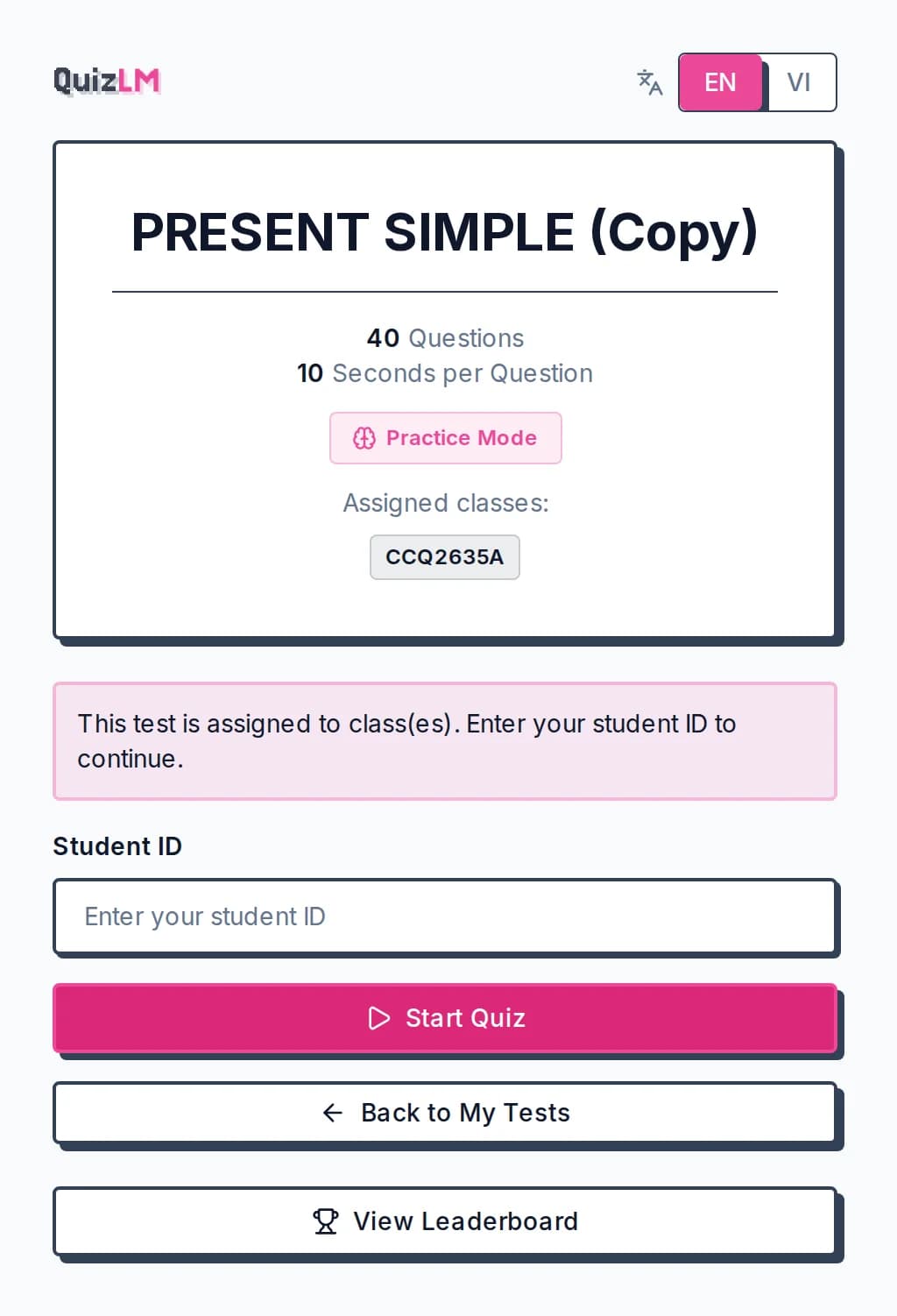
Half answer from a phone or laptop through a QR code. The rest fill a printed sheet you scan in the same browser tab.
Read the marks, then decide.
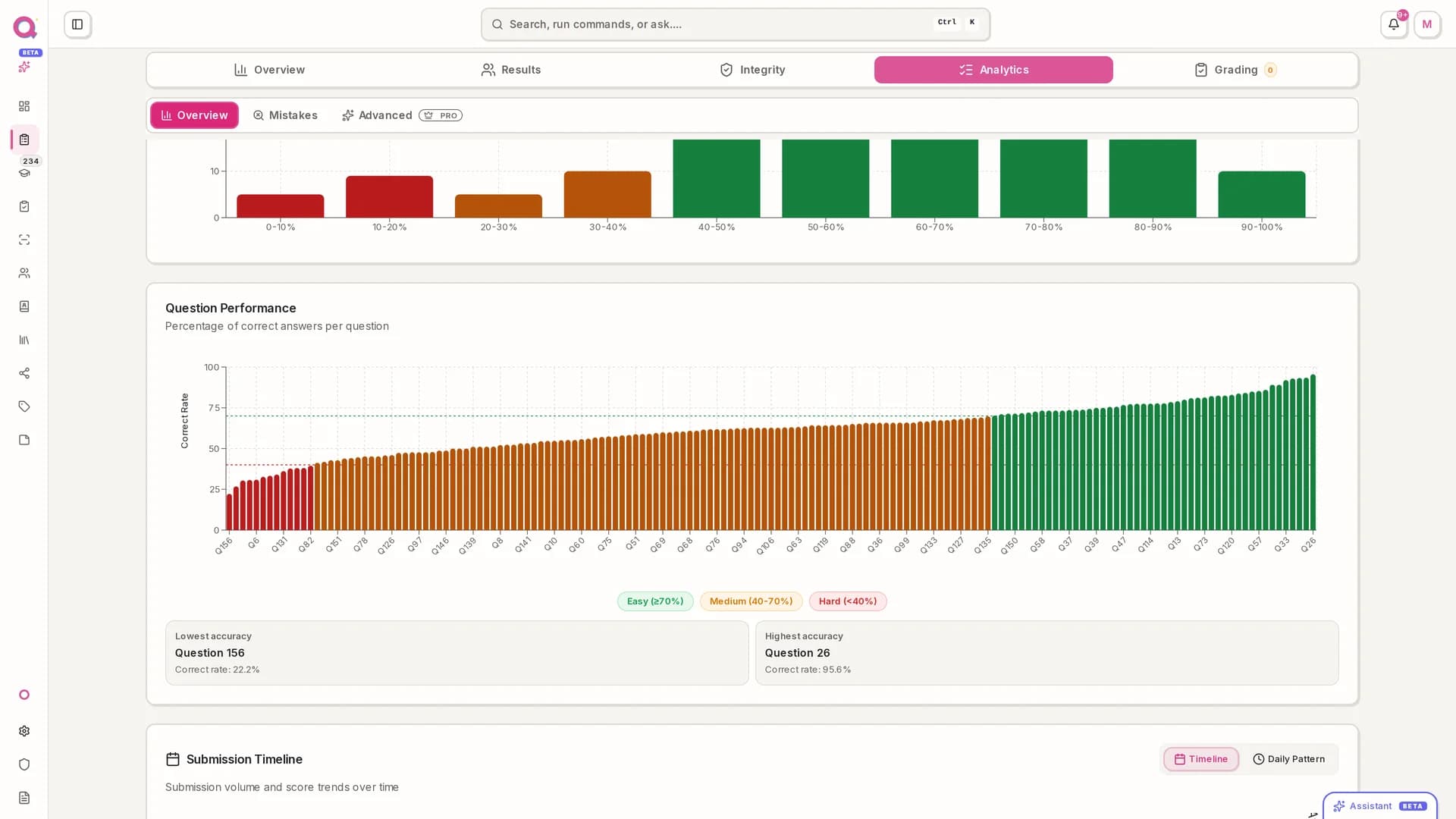
Paper and digital answers merge into one view: the skill that broke down, the mistake patterns behind it, and a next step you can take or change.
Nothing reaches students until you have reviewed every question.
Two ways to answer. One set of marks.
The printed sheet and the phone are the same quiz, scored the same way.
Printed answer sheets
10 responsesGenerate the OMR sheet for supported choice-based questions, let students fill the bubbles, then scan it in the browser. The scanner reads marks question by question.
Phone or laptop
14 responsesStudents open the QR code or link, enter their name and student ID, and answer. No accounts to provision.
One results view
Phone or laptop 14Printed answer sheets 1024 responses
This quiz arrives as 14 digital and 10 paper responses and is scored once.
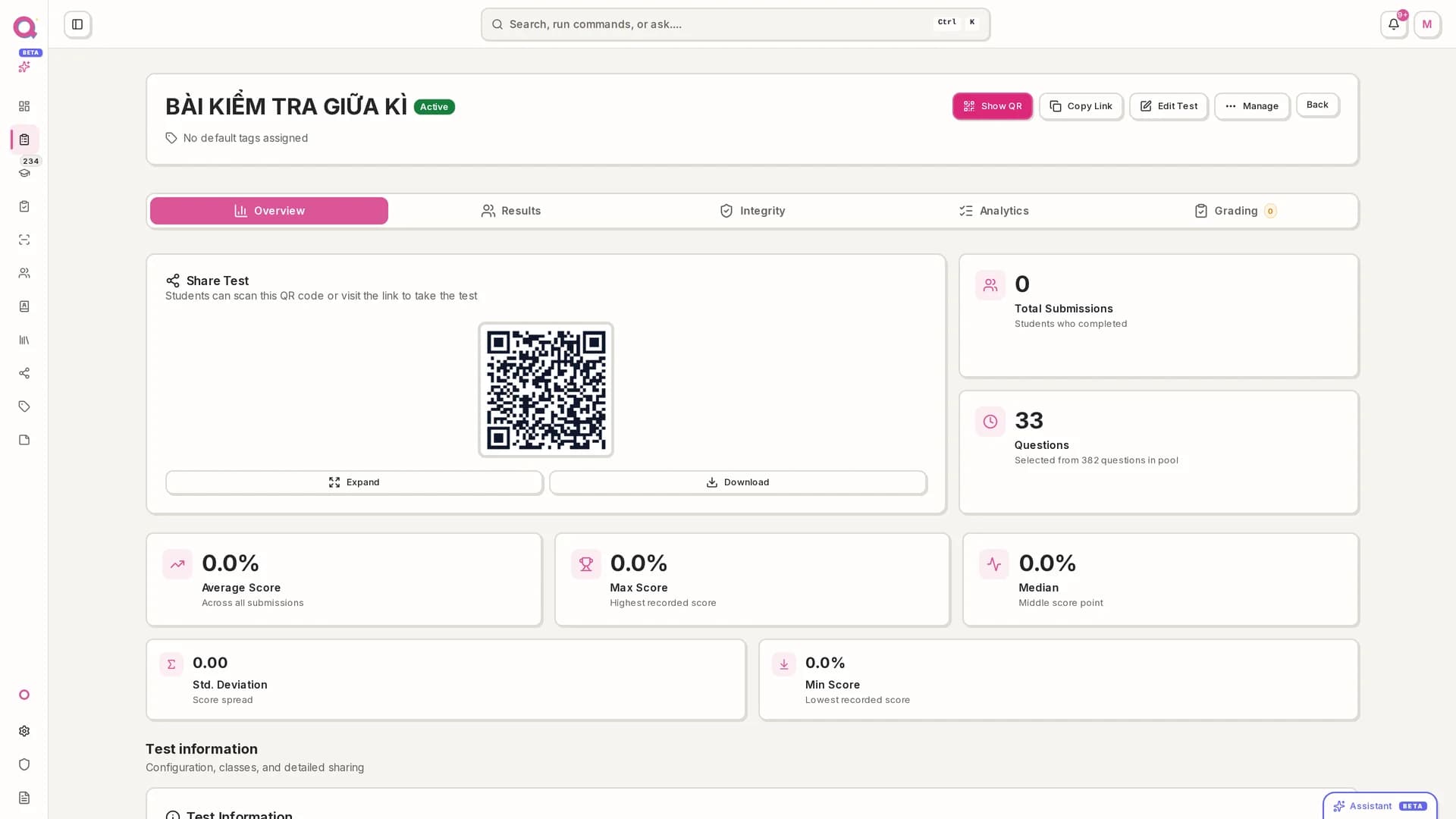
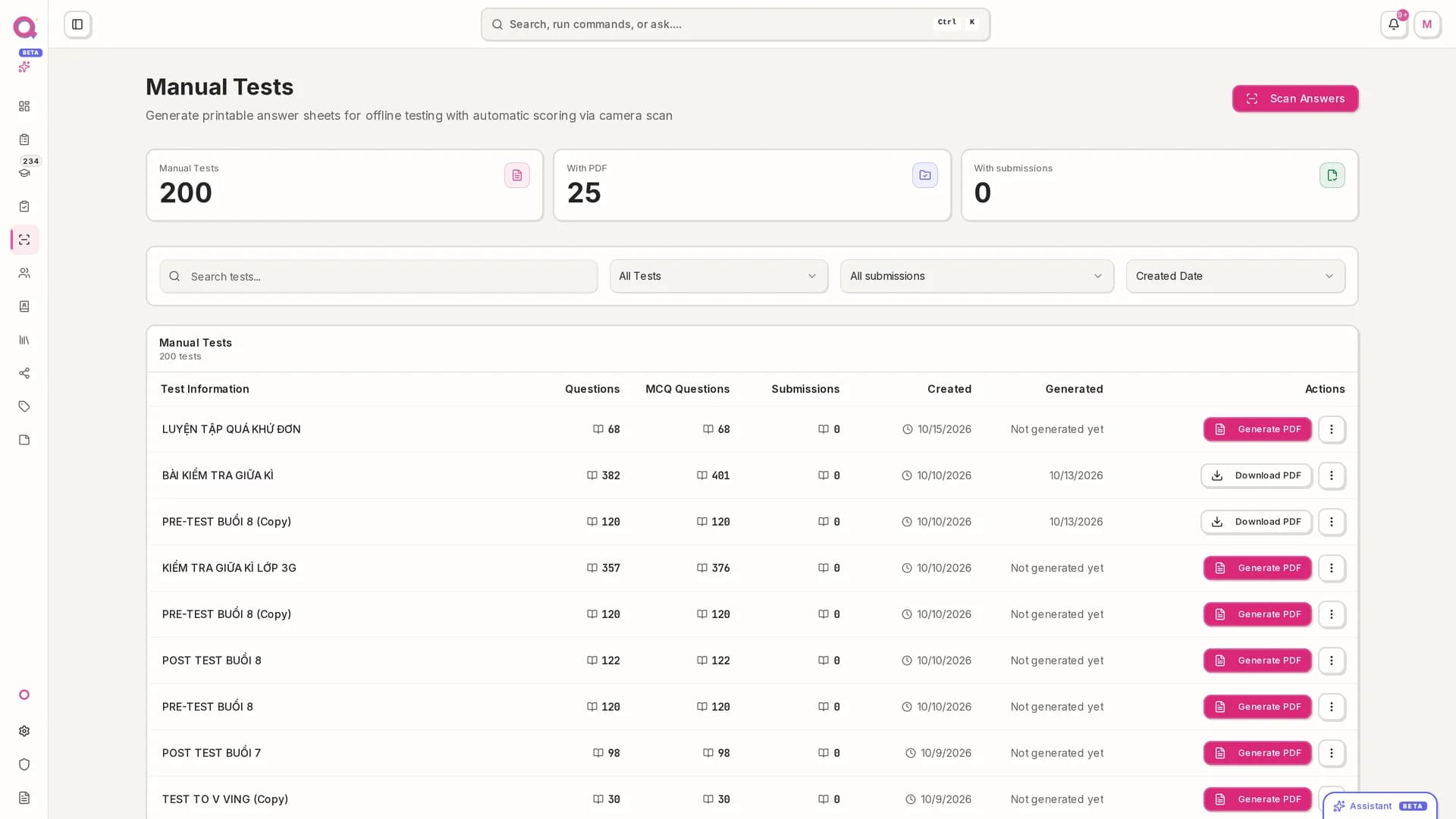
The merge above uses the illustrative class. The QR in the screenshot is a real join code for that test.
The marks become a teaching decision.
Same 24 responses, three questions to ask. Pick one — the page waits for you.
Skills in this quiz
Correct rate per skill across 24 responses.
Suggested next step
Visual model reteach — 10 min
Based on 24 responses and 3 repeated mistake patterns.
You decide. Nothing a suggestion proposes happens without you.
Sample class data
The rest of the teaching day
What you import, who is in the class, how written answers get graded, how a test stays fair.
Question creation and reuse
Draft from slides, PDFs, Word files or pasted notes, edit every question, then keep them in the question bank.
- Import PPTX / PDF / DOCX
- Edit before publishing
- Question bank and shared sets
- Skill tags
Classes and gradebook
Roster, grades, attendance and lesson notes in one place.
- Classes and rosters
- Gradebook
- Attendance
- Calendar and notes
Grading and feedback
Written answers go to a grading queue with rubrics; feedback returns to the same student view.
- Grading queue
- Rubrics
- Manual tests
- Student feedback
Exam controls
Keep high-stakes quizzes fair without changing how students join: QuizLM notes when the quiz page loses focus.
- One-time entry tokens
- Tab-switch detection
- Server-side scoring
- Time validation
Start free. Choose how many AI questions you can generate each day.
Plans differ in daily AI question capacity and queue priority. The classroom toolkit works the same in every plan.
Free
$0/month
Perfect for teachers ready to explore AI.
- 100 AI questions / day
- Low queue priority
- No plan limits on students or tests
- Full analytics + OMR + AI assistant
Pro
$9.99/month
Best for active teachers using AI regularly.
- 1,000 AI questions / day
- Higher queue priority
- All Plans Include
- Live leaderboards & analytics
Max
$49.99/month
Best for teachers running many classes at once.
- Unlimited AI questions
- Highest queue priority
- All Plans Include
- Live leaderboards & analytics
All Plans Include
No plan limits on tests or students · 10 question types · Full analytics · Class management · Attendance · Question sharing · Rubrics · Grading queue · OMR scanner · AI assistant · Student groups
Package lengths are shown at checkout. Prices shown in USD.
Questions teachers ask first.
How students join, how paper works, and what the plans change.
No. Students open a QR code or a link, enter their name and student ID, and start. The roster stays in your own classes.
What will your next quiz tell you?
Start with one quiz made from material you already have.
On QuizLM
- Teachers
- 300
- Quizzes created
- 384
- Student attempts
- 6,208
Totals from QuizLM; not updated in real time.